


WordPress Web Design in Minnesota: Best Stack in 2026 (Hosting, Security, Plugins, SEO Schema)
As we navigate the fiscal landscape of 2026, Minnesota small businesses face a unique set of digital challenges. With a state corporate tax rate of 9.8 percent (the highest in the nation) and a slowing state GDP growth of 1.6 percent, every marketing investment must yield measurable returns.
For most local service providers and retailers across Minneapolis, St. Paul, and the surrounding suburbs, the choice of a website platform no longer is a design preference. It's a fundamental business decision impacting your ability to appear in both traditional search results and the new generation of answer-based digital summaries.
WordPress still remains the dominant choice for these small businesses because it offers a level of ownership and technical control that hosted platforms cannot match. While the rise of all-in-one builders has simplified basic web design, these tools often restrict the advanced SEO and schema configurations required to compete in a dense market like the Twin Cities. A professionally configured WordPress stack (the combination of your hosting, theme, plugins, and technical data) ensures your site is not merely a digital brochure but a high-performance engine for lead generation.
The complexity of the current market requires a layered approach to web design. In this guide, we'll break down the ideal WordPress configuration for the 2026 environment. We will cover the necessity of Midwest-based hosting, transition from heavy builders to lightweight performance frameworks, and specific schema requirements needed to satisfy machine-learning search crawlers.
Key Takeaways for 2026
- Ownership and Portability: WordPress provides full control over your data and site assets, protecting you from platform price hikes and feature limitations.
- Midwest Performance: Utilizing data centers in the Midwest or North America to reduce latency and enhance user experience for your target local audience.
- Machine-Ready Content: Implementing LocalBusiness and Service schema is now mandatory for appearing in localized AI-driven search summaries.
- Security as Compliance: Protecting user data is a legal requirement under the Minnesota Consumer Data Privacy Act (MCDPA) for businesses of all sizes.
- Frictionless Conversion: A 3-second load time is the maximum threshold before local Twin Cities customers abandon your site for a competitor.
| Core Stack Layer | Primary Role | Minnesota Business Benefit |
|---|---|---|
| Hosting | Speed and Reliability | Low latency for local visitors and stable uptime. |
| Theme/Builder | Structural Efficiency | Clean code for fast loading and easy maintenance. |
| Plugins | Feature Enhancement | Adds specific tools for SEO, security, and lead capture. |
| Security | Risk Management | Protects against local litigation and data breaches. |
| Schema | Machine Communication | Directly feeds technical data to modern search engines. |

Related article
Website Redesign in Minnesota: A “Before You Rebuild” Audit Checklist (Strategy, SEO, Tracking, Migration Risks)
The digital landscape for Minnesota businesses in 2026 is defined by a shift toward AI search overviews, elevating website redesigns to high-stakes endeavors. Many leaders impulsively prioritize aesthetics, yet ignoring the overarching strategy and technical...Step 1) Why WordPress for Minnesota Small Businesses in 2026
Despite the marketing efforts of proprietary drag and drop platforms, WordPress continues to be the strategic choice for growth-oriented firms in the Land of 10,000 Lakes. Their primary advantage is ownership. Building on WordPress means you own the code, database, and files. This is a critical distinction in 2026, as business owners seek to minimize platform risk where a single company controls their entire digital presence and can change pricing or terms without notice.
1. Flexibility and Scalability
- WordPress allows a business to start with a simple, three-page brochure site and scale into a complex lead-generation platform without starting over.
- The ecosystem supports nearly any business model, from a local restaurant in Northeast Minneapolis requiring online ordering to a manufacturing firm in Bloomington needing a searchable product catalog.
2. Advanced Local SEO Control
- Unlike closed platforms, WordPress allows for the granular optimization of meta tags, URL structures, and technical file access.
- The ability to implement custom, nested schema markup means that search engines can identify your specific neighborhood entities (notably the North Loop or Highland Park) with 100 percent certainty.
3. Portability and Long-Term Value
- Because WordPress is open-source, your business is never locked into a single agency or developer.
- If your current marketing partner in the Twin Cities is no longer a fit, it’s simple to take an entire website to a new host or agency without losing your design or SEO history.
| What Minnesota Businesses Need | How WordPress Supports That |
|---|---|
| Full Content Ownership | You choose your host and own all site data. |
| Hyper-Local Targeting | Granular control over neighborhood-level SEO signals. |
| Regulatory Compliance | Easy integration of privacy and accessibility tools. |
| Predictable Costs | Avoid permanent, high monthly subscription fees for basic features. |

Related article
A Strategic Guide to Selecting a Great Website Designer
When you're a small to mid-size business owner or organizations, a website is more than just an online brochure; it's a foundational pillar for your identity, operations, and growth. In the AI era, a professional,...Step 2) Best WordPress Hosting Setup for Minnesota Businesses in 2026

Hosting is the single most important technical decision you will make. In 2026, search engines prioritize user experience metrics (specifically page speed and stability). For a business targeting the major metro area, where users may be searching on mobile devices in high-traffic urban areas, your hosting must be fast and reliable.
1. Choose a Reputable Managed WordPress Host
- Opt for Managed Hosting rather than Budget Shared Hosting. Managed hosts handle the technical heavy lifting, including automatic core updates, server-level security, and daily backups.
- Ensure the host provides an integrated Content Delivery Network (CDN) to serve large assets quickly across the Upper Midwest.
2. Prioritize Regional Data Centers
- Look for providers utilizing data centers in the Midwest or North America to minimize latency for local visitors.
- A site hosted in California or overseas will inherently respond slower to a user in Twin Cities than a site hosted in a regional hub.
3. Automated Security and Protocol
- Automatic SSL (HTTPS) renewal is a non-negotiable requirement for browser trust and SEO ranking in 2026.
- One-click staging environments are essential for testing changes before they go live, preventing site down-time during business hours.
4. Support and Responsiveness
- Verify that technical support is available 24/7 and specifically trained in platform troubleshooting.
- Avoid hosts that use generic support agents who cannot handle specialized WordPress performance issues.
| Hosting Type | Initial Cost Est. | Best For | Pros/Cons |
|---|---|---|---|
| Budget Shared | $15 to $35 / mo. | Very small startups. | Low cost but slow and less secure. |
| Managed WordPress | $55 to $95 / mo. | Most MN small businesses. | Fast, secure, and expert support. |
| Premium/Enterprise | $190+ / mo. | Large e-commerce or high-traffic sites. | Maximum speed and dedicated resources. |

Related article
A Guide to Finding a Good Online Marketing Agency
To build a commanding online presence, especially as a mid-size business or organization, a variety of factors need to come together and be executed effectively. Understanding your audience and connecting with them requires a high-performing...Step 3) Theme or Builder: Structuring Your Minnesota WordPress Site
The visual layer of your site (your theme or builder) directly impacts your site's cleanliness and load speed. This year, the trend has transitioned heavy, multipurpose themes toward lightweight frameworks prioritizing performance and accessibility.
1. Performance-Focused Frameworks
- Use a lightweight theme (including GeneratePress, Astra, or Kadence) that adds minimal code to your pages.
- Avoid all-in-one themes encompassing dozens of features you will never use, as these features slow down your site and create security vulnerabilities.
2. Selecting the Right Page Builder
- For maximum performance and future-proofing, use the native WordPress Block Editor (Gutenberg) paired with a block suite like Kadence Blocks or Spectra.
- If your design requires complex visual layouts, leverage modern builders like Bricks or Breakdance, which generate cleaner code than older, legacy builders.
3. Accessibility and Mobile Readiness
- Ensure your theme follows WCAG 2.1 AA guidelines (including high color contrast and keyboard navigation) to minimize legal risk in Minnesota.
- Confirm that the builder supports touch-friendly targets (minimum 44 pixels) for buttons to ensure usability for mobile users in the Twin Cities.
| Stack Option | Performance Score | Maintenance Effort |
|---|---|---|
| Lightweight Theme + Blocks | Very High | Low (Native WordPress) |
| Performance Builder (Bricks) | High | Moderate (Modern Stack) |
| Legacy Builder (Elementor/Divi) | Moderate | Moderate to High |

Related article
Helpful Tips for Choosing the Right Domain Name for Your Website
When you're building a business, every decision matters, and few are as critical as choosing your domain name. The domain you choose is more than just an address on the internet; it’s the cornerstone of...Step 4) Essential WordPress Plugins for Minnesota SMBs in 2026
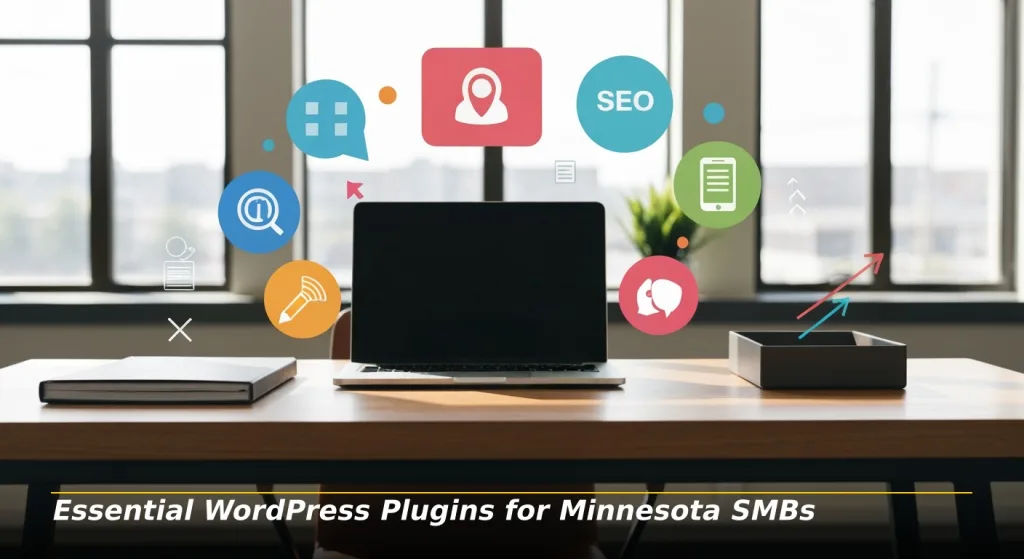
Plugins extend the functionality of your site, but installing too many can lead to plugin bloat (slowing your site and causing technical conflicts). Strategic stacks implement fewer, higher-quality plugins to handle essential tasks.
1. SEO and Schema Management
- Install a primary SEO plugin (such as Rank Math or Yoast SEO) to manage your title tags, meta descriptions, and sitemaps.
- Use a dedicated schema tool (if not built into your SEO plugin) to explicitly define Organization and LocalBusiness data.
2. Performance Optimization
- Implement a caching plugin (like WP Rocket or W3 Total Cache) if your host does not already handle this at the server level.
- Use image optimization tools to automatically convert photos to WebP format and enable lazy loading.
3. Security and Hardening
- Use a comprehensive security plugin (includingWordfence or Solid Security) to monitor login attempts and file changes.
- Enable two-factor authentication (2FA) for all administrative accounts to block brute-force attacks.
4. Lead Capture and Forms
- Choose a lightweight, reliable form plugin (such as Fluent Forms or WPForms) that includes built-in spam protection.
- Ensure these forms integrate with your local CRM or email marketing tools to automate follow-up for Twin Cities inquiries.
5. Analytics and Tracking
- Use a simple integration plugin to connect Google Analytics 4 (GA4) without adding heavy scripts.
- Monitor your Traffic Acquisition reports monthly to see which local keywords are driving the most conversions.

Related article
Why Content Marketing is Your Small Business's Superpower in the AI Search Era
Artificial intelligence (AI) is completely changing how search engines work, shifting the focus from simple keywords to understanding what people really want to find. For small businesses, this new digital landscape is a massive opportunity....Step 5) Security Stack: Protecting Minnesota WordPress Sites

In 2026, cybersecurity is bigger than a technical concern. This is a legal and reputational necessity. As of July 2025, the Minnesota Consumer Data Privacy Act (MCDPA) requires businesses that process Minnesotans' data to meet strict security and disclosure requirements.
1. Layered Hosting Security
- Verify that your host uses server-level firewalls and active malware scanning.
- Confirm that your hosting account uses isolated resources (preventing a breach on another site from affecting yours).
2. WordPress-Level Protection
- Hide your default login URL (changing it from /wp-admin to something unique) to stop automated scripts.
- Limit login attempts to three or five failed tries before temporary IP blocking.
3. User Behavior and Permissions
- Enforce the principle of least privilege (assigning users the lowest level of access necessary to do their job).
- Regularly audit your user list and delete inactive accounts, especially those belonging to former employees or developers.
4. Data Privacy Compliance
- Implement a clear, accessible privacy policy that describes what data you collect and how users can request deletion under the MCDPA.
- If your business meets the threshold of processing 100,000 consumers' data, ensure you have a "universal opt-out" mechanism enabled.

Related article
Why Your Brand is THE Most Powerful Asset in the AI Era
As AI begins to reshape browsing, so too is the digital landscape for small to mid-size businesses (SMBs). To go along with the tide, investing in brand strength is crucial for customer acquisition and sustainable...Step 6) SEO and Schema: Making WordPress Legible to Google and AI
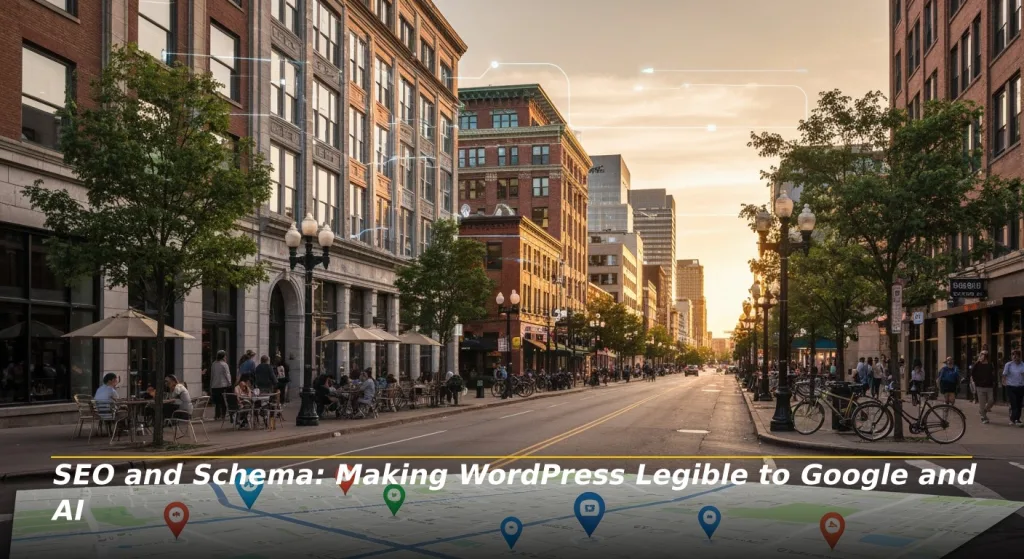
Traditional keyword optimization (placing "Minneapolis web design" in a heading) is only half the battle in 2026. You must also provide machine-readable data (Schema) so that answer-engines can extract and cite your information accurately.
1. On-Page Local SEO Essentials
- Include your target neighborhood (such as Uptown, Northeast, or North Loop) naturally in page titles and meta descriptions.
- Ensure contact information (NAP: Name, Address, Phone) in the footer matches your Google Business Profile exactly, avoiding variations in abbreviations.
2. Priority Schema Types for Minnesota
- Organization Schema: Defines your overarching brand and social profiles sitewide.
- LocalBusiness Schema: Anchors your physical location or service area to Minnesota, helping you appear in proximity-based searches.
- Service Schema: Describes what you do (e.g., "Emergency Plumbing") while connecting to your service area.
- FAQPage Schema: Marks up your Frequently Asked Questions, increasing the likelihood of being featured in "People Also Ask" or AI answer summaries.
3. Practical Implementation
- Use a JSON-LD format (the Google-preferred method) for all schemas to ensure it does not interfere with your site design.
- Validate your schema using the Google Rich Results Test to identify and fix technical errors.
| Schema Type | Where to Use It | Why It Helps |
|---|---|---|
| LocalBusiness | Homepage / Contact Page | Connecting your business to a specific Minnesota location. |
| Service | Each Service Page | Helps AI extract exact details of what you offer. |
| FAQPage | Location / Service Pages | Provides direct answer-first content for search snippets. |
| Organization | Sitewide (Global) | Establishes brand authority and entity trust. |

Related article
The Small Business Guide to Winning Customers Through AI Search Optimization
The internet is constantly evolving, and AI in search engines is being used to find business for customers. For small to mid-size business owners, understanding and adapting to these technological advances is crucial for growth....Step 7) WordPress vs Shopify vs Squarespace for Minnesota SMBs
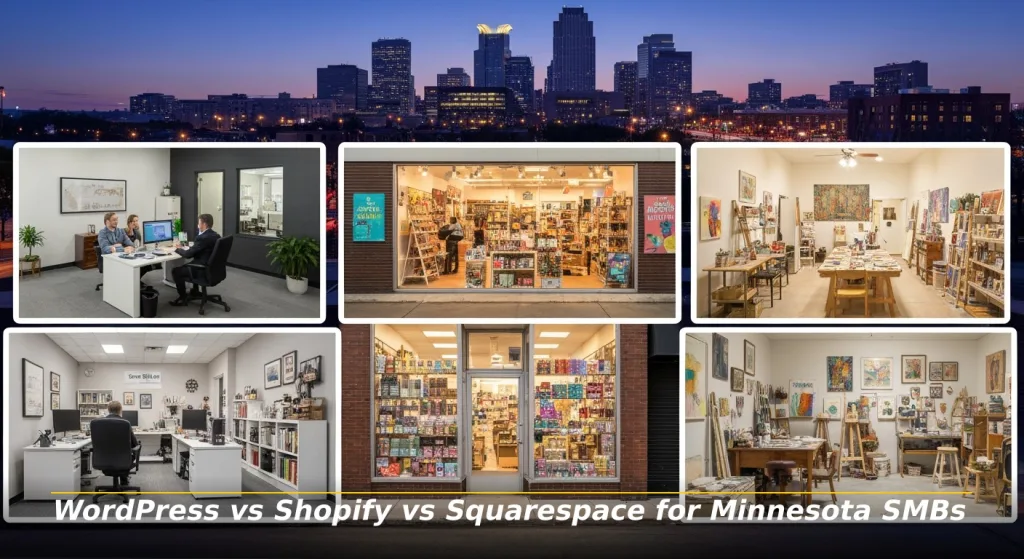
Many Twin Cities business owners wonder if they should skip the technical setup of WordPress and use a hosted platform instead. The right choice depends on your specific business goals and technical comfort level.
1. WordPress for Growth and Authority
- For most Minnesota small businesses, WordPress is the best choice when you need strong local SEO and full control over your content.
- It is ideal for service firms (lawyers, doctors, contractors) and content-heavy brands seeking long-term search authority.
2. Shopify for Dedicated Retail
- Choose Shopify if your business is 90 percent focused on selling products online and you want to avoid technical maintenance.
- Be aware that Shopify carries higher monthly app costs and transaction fees (if not using Shopify Payments) than a typical WordPress setup.
3. Squarespace for Simple Portfolios
- Squarespace is an acceptable option for boutique brands in the Twin Cities (like a local artist or a single-person consulting firm) wanting a simple site with minimal effort.
- The tradeoff is limited SEO control and higher monthly costs as you add functionality.
| Platform | Ownership | SEO Control | Typical Monthly Cost | Best Fit |
|---|---|---|---|---|
| WordPress | Full | Maximum | $55–$85 (Managed Host) | Growing service firms and B2B. |
| Shopify | Limited | Moderate | $39–$300+ (plus apps) | Dedicated retailers/E-commerce. |
| Squarespace | Limited | Low | $23–$49 | Simple portfolios and boutiques. |

Related article
Best Tips for Startups to Win in the Age of AI Search Engine Marketing
The digital marketplace is constantly improving, with tech advancements and shifting consumer behaviors being the driving forces behind it. Businesses that fail to adapt their marketing strategies are left behind and forced to claw their...Step 8) Example "Best Stack" for a Minnesota WordPress Business Site
For a typical small business in The Twins, this configuration provides an optimal balance of speed, security, and visibility in 2026.
1. Hosting Choice: Managed WordPress hosting with Midwest data centers or North America for low latency.
2. Theme and Builder: GeneratePress or Kadence Theme paired with native WordPress Blocks for ultra-clean code.
3. Core Plugins:
- SEO: Rank Math for on-page optimization and advanced schema.
- Performance: WP Rocket for caching and WebP image delivery.
- Security: Wordfence for firewall and login protection.
- Forms: Fluent Forms for lightweight lead capture and spam protection.
4. Schema Implementation: LocalBusiness, Service, and FAQ schema implemented via JSON-LD for machine readability.
5. Maintenance Routine: Automated daily backups and a monthly human audit to review local content and security logs.
Step 9) Maintenance and Growth Plan for 2026 and Beyond
Standout website stacks only work if it is maintained. Without a plan, performance will degrade and security risks will increase over time.
1. Monthly Maintenance
- Update WordPress core, themes, and plugins to the latest stable versions.
- Review security logs for blocked IPs and unauthorized login attempts.
- Verify your daily backups are running correctly and are stored off-site.
2. Quarterly Performance Reviews
- Run a speed test (using Google PageSpeed Insights) to ensure your site has a sub-3 second load time.
- Audit your plugins and delete any that are no longer necessary for your business.
3. Semi-Annual Content Updates
- Review service pages and FAQs to ensure pricing and local service areas are accurate.
- Include at least two to three new local case studies or testimonials from Twin Cities clients.
4. Annual Strategic SEO Check
- Perform a full technical SEO audit using Google Search Console.
- Renew your domain name and SSL certificate (if not automated) to prevent site expiration.
Conclusion: By following this structured approach, your Minnesota small business will not only meet the technical and legal standards of 2026 but will also establish a dominant presence in the competitive local search market.
Related article
How CMS Websites Offer Budget-Friendliness and Strategic Flexibility for Businesses
Content Management Systems (CMS) empower small to mid-size businesses (SMBs) to build and grow their online presence affordably and efficiently. To better understand, a report on how CMS platforms offer cost-effectiveness and remarkable adaptability, enabling...Frequently Asked Questions
1. How much does a professional WordPress website cost in Minneapolis in 2026?
Custom-designed and optimized WordPress sites for small businesses typically range from $3,000 to $10,000 dollars. Complex e-commerce or data-driven sites may range from $10,000 to $35,000 dollars depending on features.
2. How often should a Minnesota small business update its website software?
You should perform software updates monthly at a minimum. Security patches should be installed immediately to prevent vulnerabilities, while major theme or core updates must be tested in a staging environment first.
3. Does my business still own the website if I hire an agency to build it?
Yes, provided you own the domain and hosting accounts. Always ensure that you possess full Administrator access and legal ownership of all files and databases upon final payment.
4. Are accessibility overlay widgets enough to protect me from MN lawsuits?
No. Research indicates that over 22 percent of accessibility lawsuits in 2025 targeted sites with widgets installed. True protection requires code-level remediation to ensure the site works naturally with screen readers and keyboards.
5. Why is hosting location important for a Twin Cities business?
Latency (the time it takes for data to travel from the server to the user) increases with distance. Hosting in a regional hub like Chaska ensures your site responds nearly instantly to local customers.
6. Does the Minnesota Consumer Data Privacy Act (MCDPA) apply to my small site?
'The MCDPA applies to all businesses targeting Minnesota residents. While smaller firms may be exempt from certain assessments, they must still provide accessible privacy notices and obtain consent before selling sensitive data.
7. Is traditional SEO still relevant with the rise of answer-engines?
Traditional SEO and answer-optimization are inseparable. Machine systems that generate answers rely on traditional signals including technical speed, mobile-friendliness, and authoritative citations to decide which site to trust as a source.

Phong Nguyen
Phong brings the perfect combination of business acumen and technical expertise to digital marketing. Armed with a Bachelor of Arts degree from St. Olaf College, a master’s in business administration in Marketing from the University of St. Thomas, and SEO/GEO from “The School of Hard Knocks,” Phong founded ProWeb365.com in 2009 to help Minnesota businesses and non-profit organizations succeed online.
For over 15 years, Phong and his team’s strategic approach has combined data-driven marketing with conversion-focused design, delivering measurable results that directly impact his clients’ bottom line. Are you ready to experience what innovative digital marketing can do for your business in the age of AI search engines? Contact Us today!